

The eight screens
Cache
Page-level Batcache: what triggers a purge automatically, per-page flushing, and the mu-plugin behaviors that shape how Batcache stores your pages.
Edge Cache
Enable, purge, and disable WP Stratos’s Edge Cache CDN layer. Includes Defensive Mode for traffic spikes or attacks.
Cache Warmer
Rebuilds cache in the background right after a flush, so real visitors never pay the “first hit after purge” cost. Reads your sitemap and llms.txt.
Purge Order & Schedule
Sets the order caches flush in (Aero, Batcache, Edge) and puts a WP-Cron safety net under the whole system.
Optimization
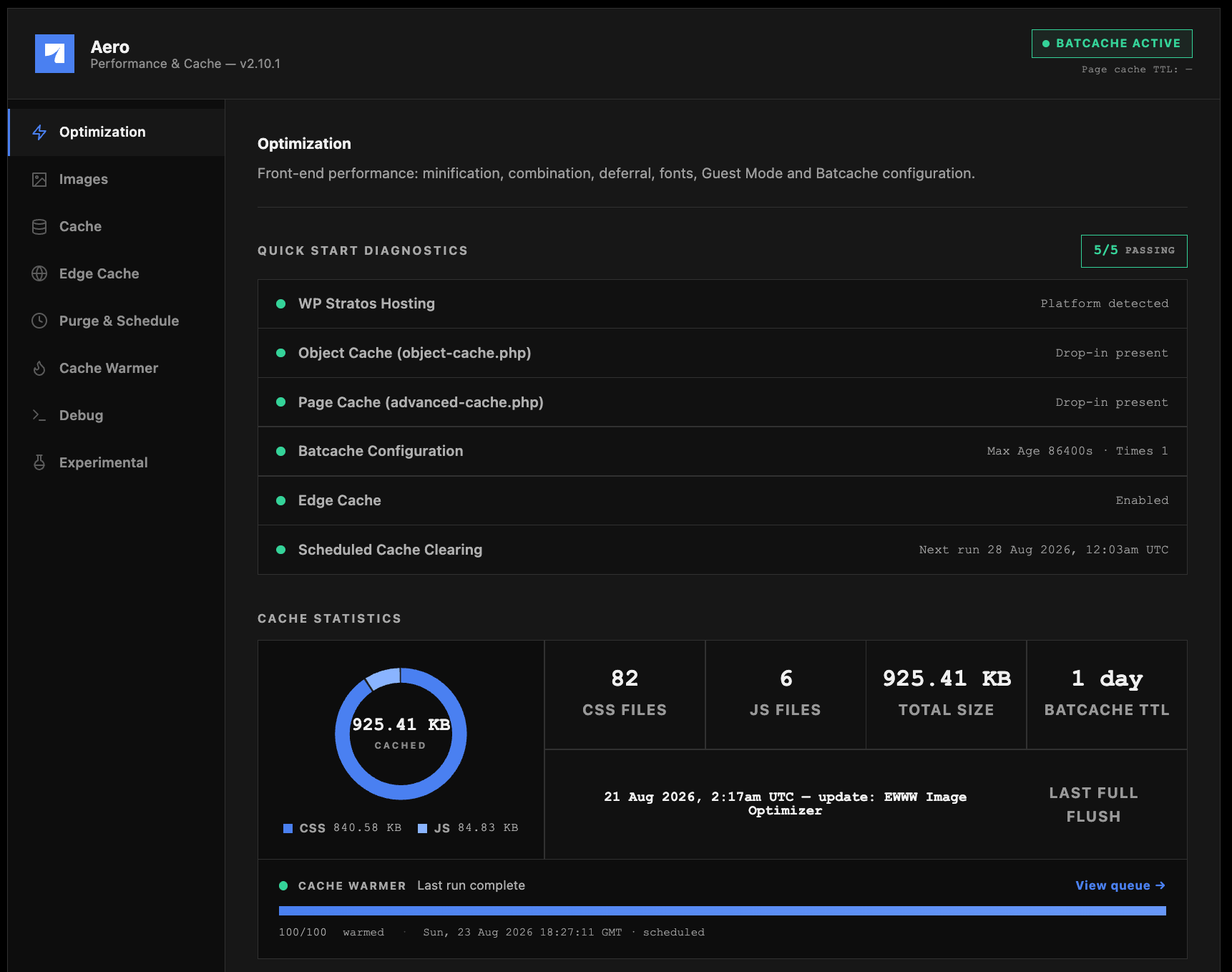
Minification, JS deferral, async CSS, font self-hosting, and the WordPress-bloat cleanup that most Core Web Vitals advice actually points at.
Images
Local WebP and AVIF conversion for your whole media library, plus custom folders, media replacement, and three delivery modes.
Experimental
Guest Mode and cache isolation. Powerful, situational, and worth reading closely before you touch it.
Debug
A single copy-paste diagnostic report covering every module, for support tickets and your own sanity checks.
What actually happens on a page load
It helps to picture the pipeline instead of memorizing eight menu names.1
Edge Cache serves the response, if it's warm
WP Stratos’s global edge nodes hold a copy of the page closest to the visitor. If it’s there, nothing else in this list runs. This is the fastest possible outcome and the one Cache Warmer works hardest to guarantee.
2
Batcache serves the response, if Edge missed
Batcache holds full-page HTML in the object cache, keyed by URL and cookie state. A hit here skips PHP and the database entirely.
3
WordPress renders the page
On a miss, WordPress builds the page as normal: theme, plugins, database queries, the works. This is the expensive path, and it’s exactly what caching exists to avoid repeating.
4
Aero rewrites the output before it's sent
While the page streams out, Aero swaps in minified CSS/JS, applies font optimizations, defers non-critical scripts, and (if enabled) rewrites images to WebP/AVIF markup. This step runs on every uncached render.
5
Batcache and Edge store the result
The rewritten page gets cached at both layers so the next visitor lands back at step 1.
Where to start
Aero ships with sane defaults. Minification, HTML compression, JS deferral, LCP preloading, and font optimization are all on from install. For most sites, the highest-leverage next step isn’t flipping more switches, it’s making sure the cache side is actually keeping up with the optimization side:- Confirm your purge order matches how your cache layers are actually stacked.
- Turn on the Cache Warmer so flushes don’t leave your homepage cold for the next visitor.
- Only reach for Experimental features if the first two steps don’t get you where you need to be. Guest Mode solves a narrow problem and isn’t free.
Aero is pre-installed and managed as part of WP Stratos hosting. If you deactivate it, it reactivates automatically on the next plugin update cycle. See Plugin Reactivation if you need to disable specific features instead of the whole plugin.