

What it does
Platform Headers
Adds identifying HTTP response headers to every frontend, admin, and REST request, so WP Stratos infrastructure, and support, can recognize your site as WP Stratos-hosted the moment they look at it.
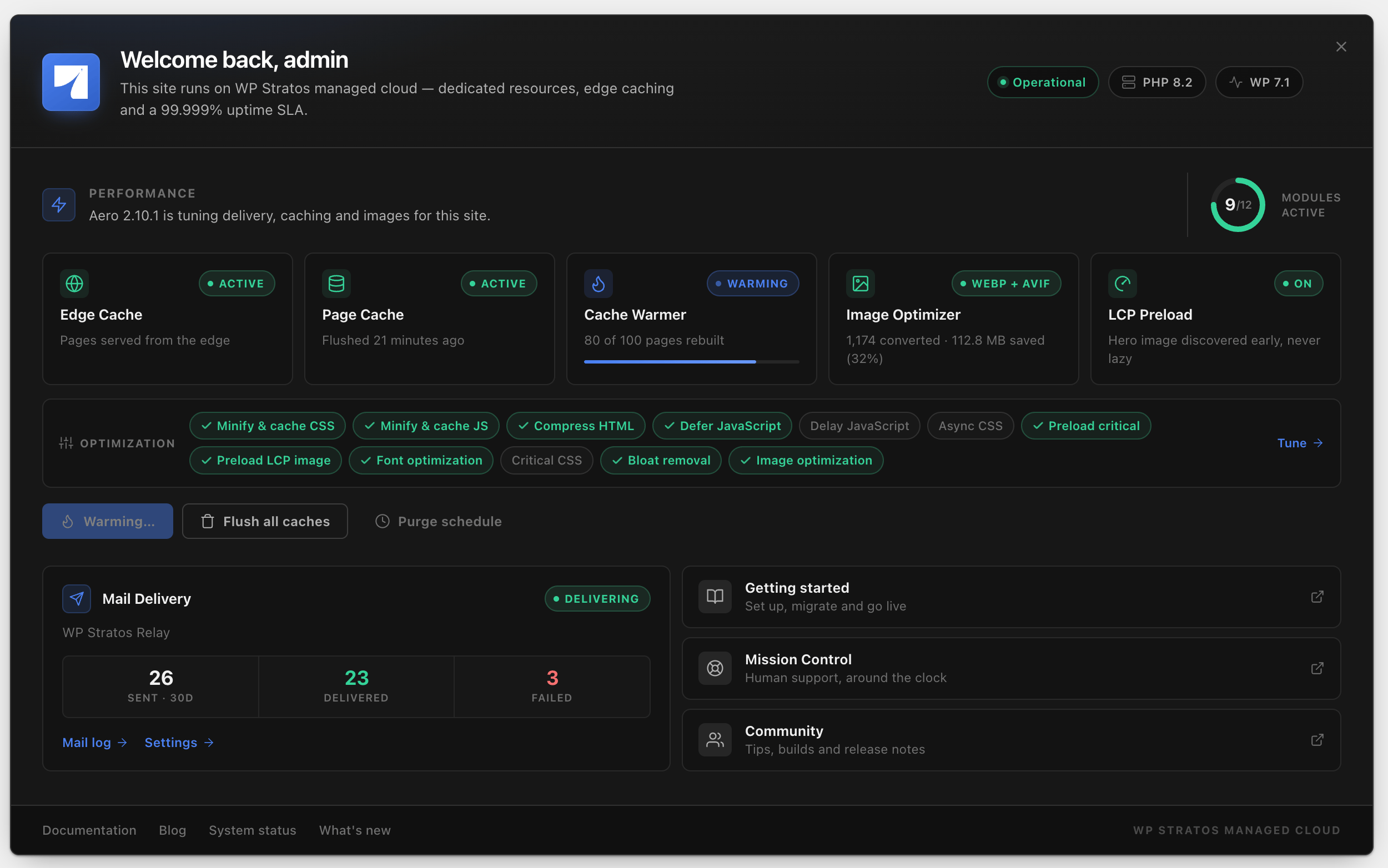
Welcome Banner
A live dashboard banner covering Aero’s caching and optimization state, WP Postman’s mail delivery health, and one-click actions for both, right where you land after logging in.
One-Click Plugin Install
Downloads and installs Aero and WP Postman straight from their GitHub releases, with a live progress bar.
Mail Log Widget
A WP Postman mail log widget on your main Dashboard screen with 30-day send stats and your most recent outgoing messages.
Identifying your site
Every response, whether it’s a page load, an admin screen, or a REST API call, carries two headers:Platform: WP Stratos and X-Powered-By: WP Stratos Managed Cloud. That’s how WP Stratos support and internal tooling confirm a site belongs to the platform without asking you first. See Detecting WP Stratos for how to check these yourself, and what to look at if a proxy or CDN is stripping them. Open your browser’s developer console while inside wp-admin for a little easter egg lol. Don’t worry, it’s only visible in /wp-admin pages and doesn’t add any load time.
WP Stratos Environment is pre-installed on every site and reactivates automatically if it’s ever switched off, since the headers, dashboard, and Aero Caching depend on it running. See Plugin Reactivation if that catches you off guard.